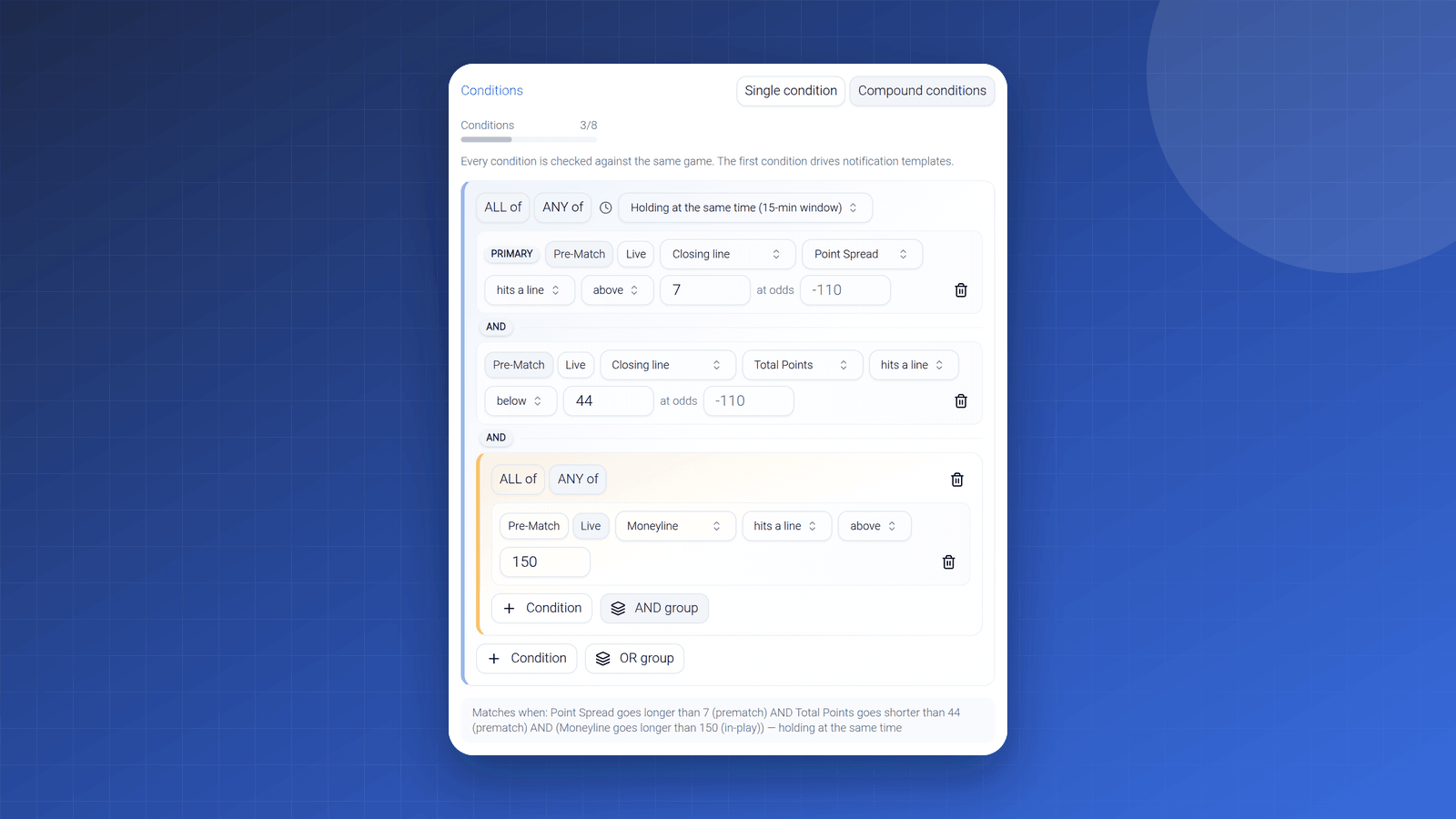
New: Type Your Alert in Plain English, and AI Drafts the Criteria
The criteria builder now takes plain English. Write "tell me when the Bucks spread shifts 4+ points from open" and review a ready-made draft of your alert.
The criteria builder just learned English. Instead of walking the dropdowns, you can now type the alert you have in your head - the way you'd say it out loud - and get a ready-made draft back:
- "Alert me when Packers moneyline moves from underdog to favorite live."
- "Tell me when Bucks spread shifts 4+ points from open."
- "Notify me when a total drops below 42.5 before kickoff."
Each of those becomes a fully-formed criteria draft: sport, league, competitors, market, odds state, indicator, values - every field filled in from your sentence.
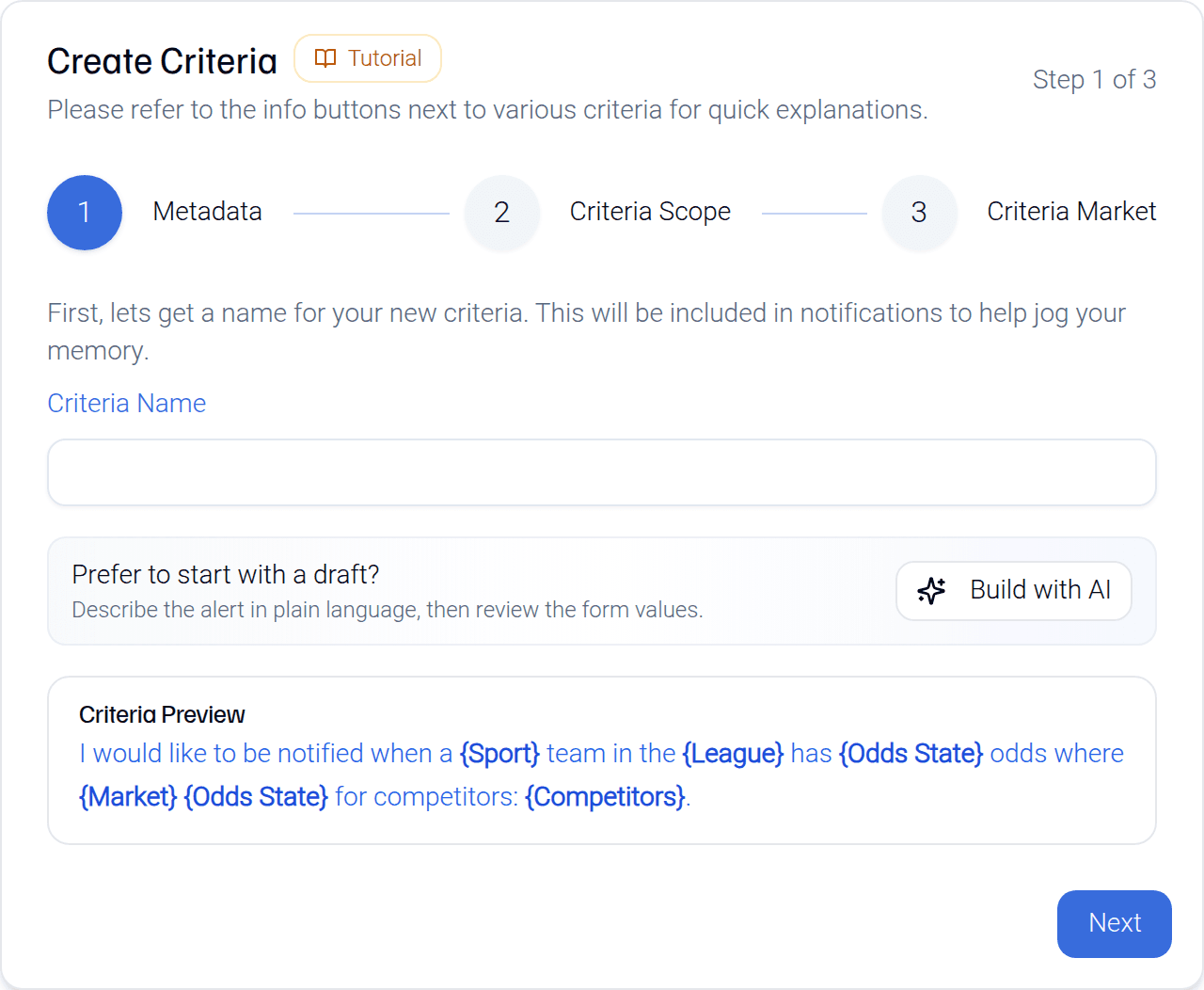
You still get the final say
Nothing saves on its own. The draft shows up as a preview, spelled out field by field, and you either apply it, tweak it, or bail out to the manual form with everything pre-filled. Think of it as skipping the typing, not the reviewing. If the draft misreads you - plain English is slippery - a more specific sentence usually fixes it, and the manual builder is always one click away.
Why we built it
The dropdowns aren't hard, but there's a gap between "I know exactly what I want" and remembering which combination of market, state, and indicator expresses it. That gap is where half-set-up alerts go to die. Now the sentence in your head is the input - the part you already knew how to do.
The fine print
- Drafts are limited to what alerts can actually watch: supported sports, leagues, and the three main markets. It won't invent a criteria type that doesn't exist.
- It drafts what you asked for - it doesn't suggest what to ask for. Picking the situation worth watching is still your job, and that's by design.
You'll find it at the top of the criteria builder. If you're new to alerts entirely, the two-minute setup guide covers the basics, and the starter alerts make good first prompts to paraphrase.